Sonar Lite - How to Troubleshoot a Connection Issue
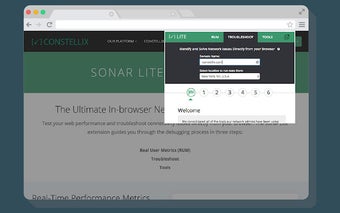
You can now troubleshoot a connection issue by visiting a website with Sonar Lite in your browser.
Real User Monitoring (RUM)
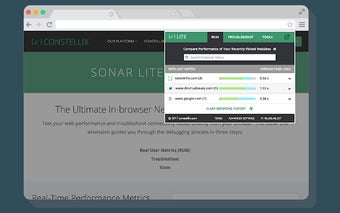
The Sonar Lite extension allows you to view performance metrics, such as how long a webpage takes to load and how fast it responds.
If a webpage doesn’t load properly, Sonar Lite will highlight that in the status bar.
The Performance Monitoring tab displays the data gathered in RUM, which can help you troubleshoot a connection issue.
Real-time data about your connection
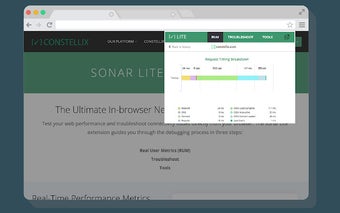
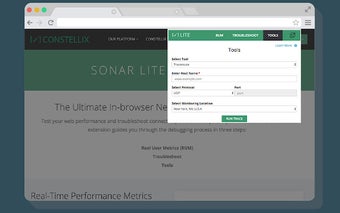
Trace and Analyze your connection
RUM can gather data about your connection to a website and web pages you visit.
View performance data for any website
You can now view the performance data for websites you visit directly from your browser.
Compare performance to other websites
Compare your performance to the average of other websites and easily see how your website stacks up against your peers.
You can compare your performance to up to the minute data to track performance changes over time.
Look for and investigate errors
If you don’t know how to troubleshoot a connection issue, look for and investigate common issues such as slow responses, redirects, and connection errors.
Don’t wait to run performance tests. View data for websites and web pages you visit in the background.
Enable alerts and notifications
Check your connection with a push notification when an issue is detected.
Save data
Save performance data for future use.
Get insights and see how your connection stacks up
View metrics on a website.
Look for errors
Look for common errors such as slow responses, redirects, and connection errors.